Preschool App for Grandparents: Easy Learning for Grandkids
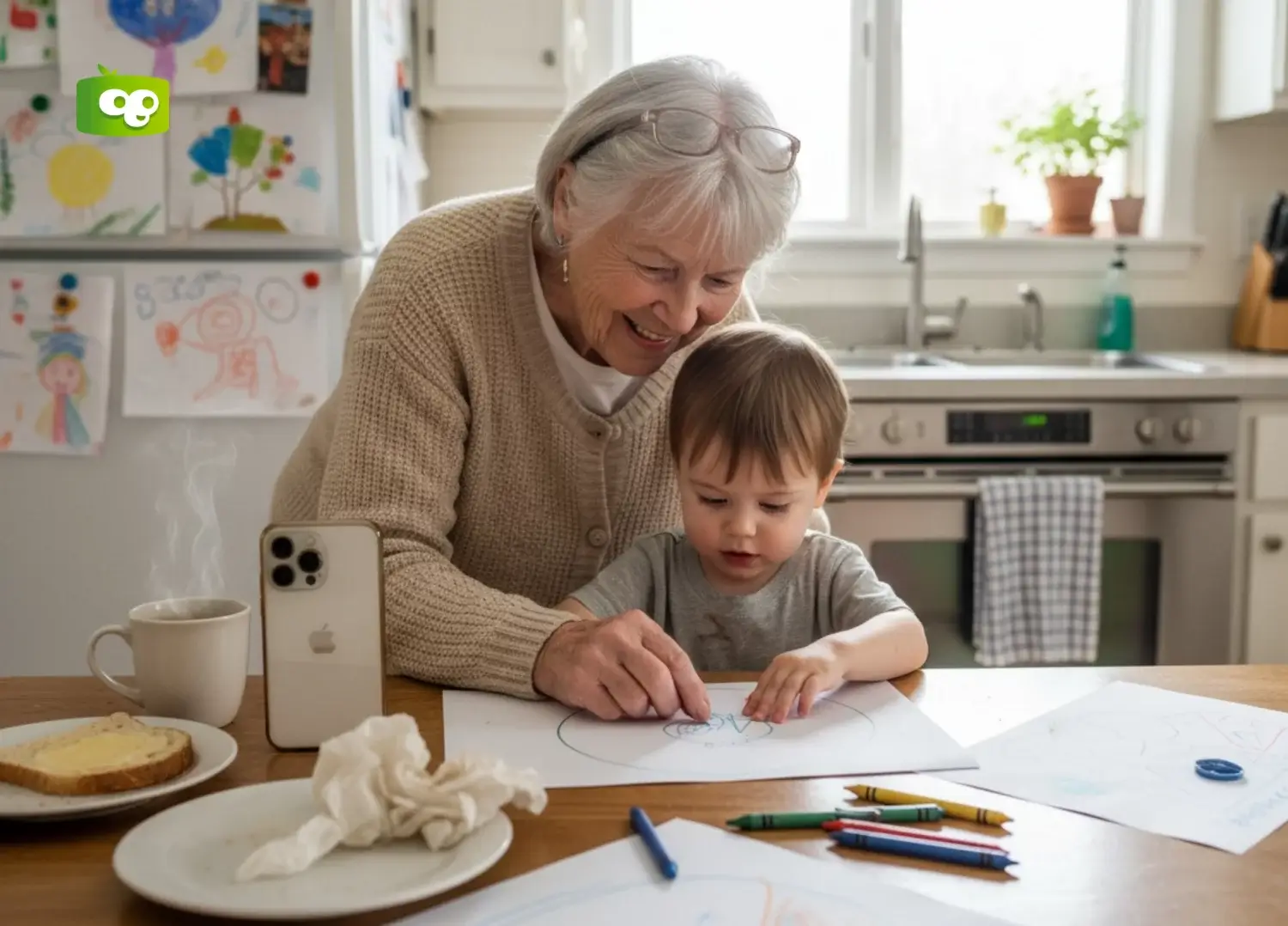
You want to be the grandparent who matters—not just the one who babysits, but the one who helps your grandchildren learn, grow, and get ready for school. The Kokotree preschool app makes this possible without requiring any tech expertise. If you can tap a button, you can give your grandkids the gift of early learning. No complicated settings. No worrying about inappropriate content. No feeling lost in confusing menus. Just open the app, press play, and watch your grandchild’s face light up.
Why YouTube Leaves Grandparents Worried—And How the Right App Changes Everything
You want to help your grandchildren learn something during screen time. You pull up YouTube Kids. An ad plays. Then another video starts—and you’re not sure if it’s actually educational. The algorithm serves something strange. Your grandchild clicks somewhere you didn’t expect. Now you’re anxious instead of relaxed, and “educational screen time” has become stressful supervision.
The YouTube Trap
YouTube and free apps are a grab-bag:
- Quality varies wildly: One video might be educational. The next might be a toy commercial disguised as a cartoon.
- Algorithms control content: Those algorithms aren’t designed for learning—they’re designed to keep kids watching.
- Ads interrupt constantly: Some are inappropriate. All are annoying.
- You can’t walk away: You have to hover nervously, ready to skip or redirect.
A Grandparent Deserves Better
You raised children successfully. You shouldn’t have to become a tech expert or content moderator to spend quality time with grandkids.
Kokotree: Real Learning You Can Trust
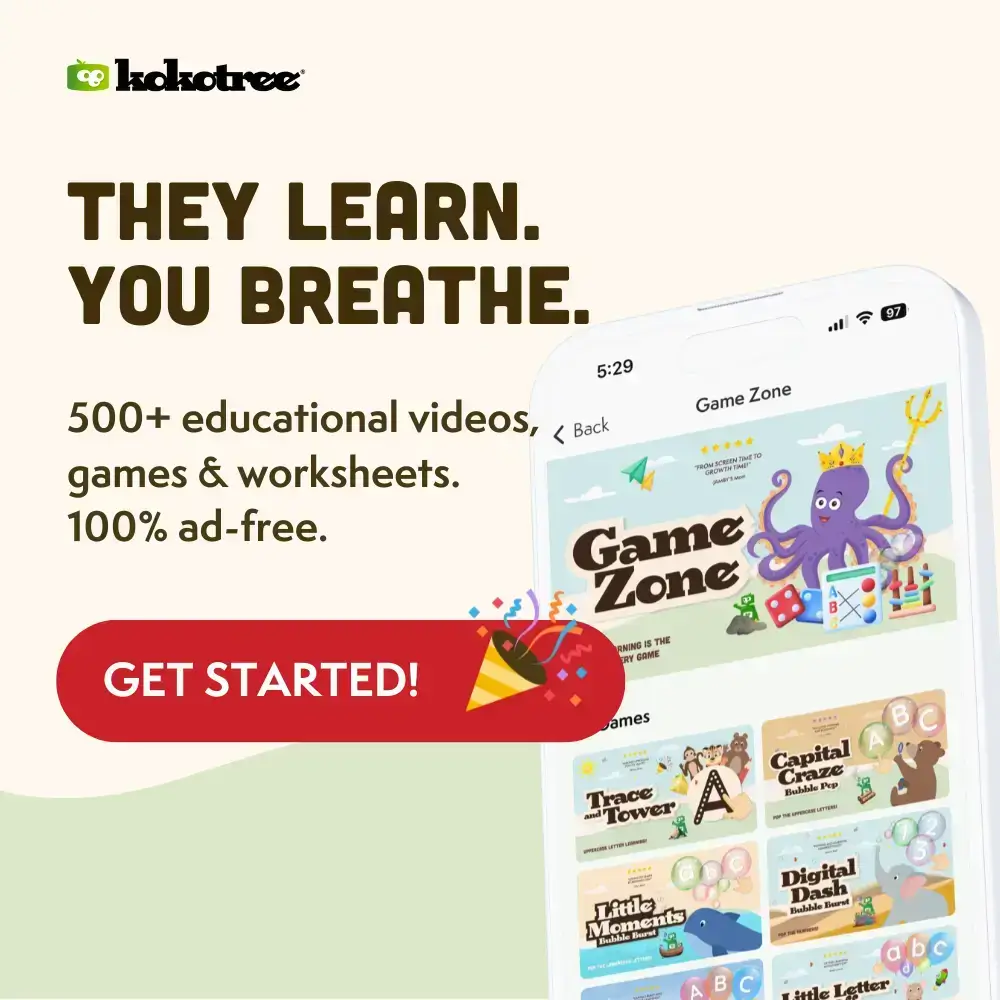
Every piece of content in our 500+ activity library was created by early childhood educators. There’s a real curriculum covering phonics, math, science, and social-emotional skills. And there are zero ads—ever. When you hand your grandchild a tablet with Kokotree, you know exactly what they’re getting.
What This Means for You
Peace of mind. Real learning. No tech stress. You can actually enjoy your time together instead of worrying about what might pop up next.
Why Grandparents Love How Simple Kokotree Actually Is
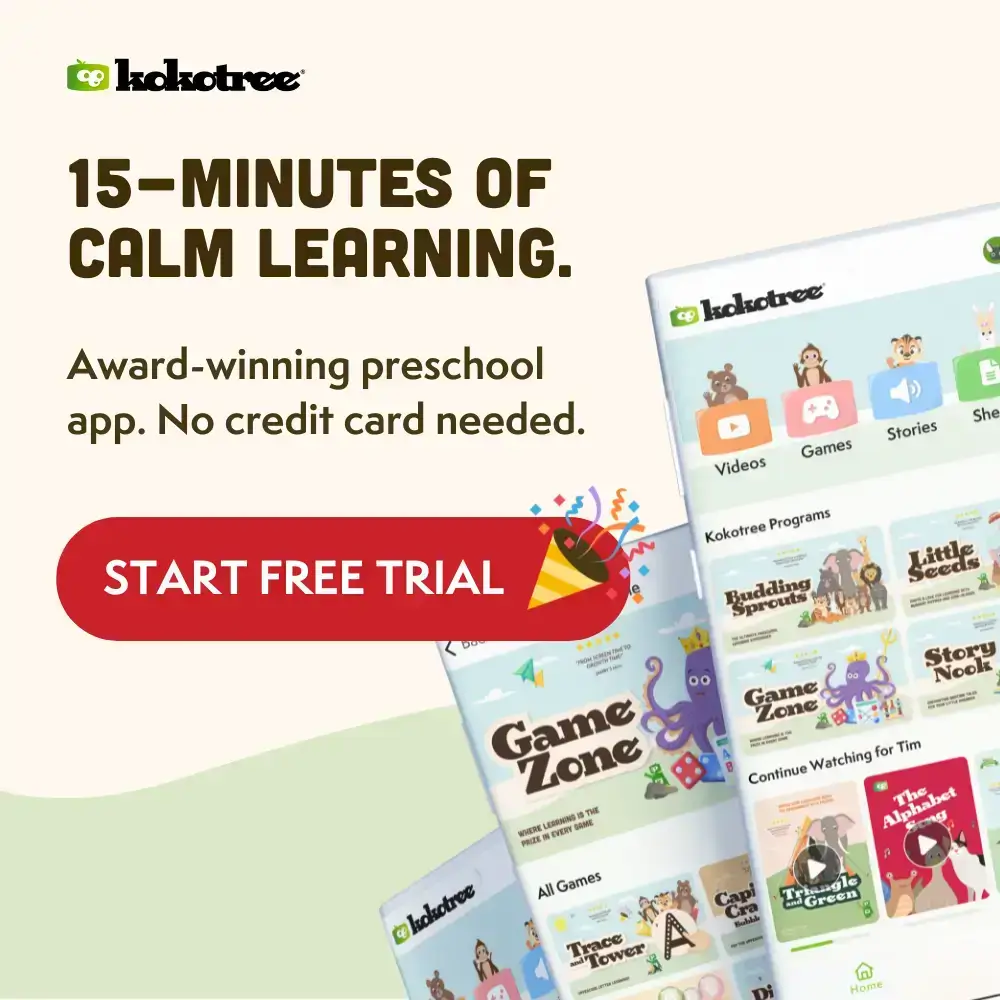
Most apps feel like they were designed by people who forgot that not everyone grew up with smartphones. Tiny buttons, confusing menus, hidden settings—it’s exhausting. Kokotree was built with simplicity as a core value.
What Using Kokotree Actually Looks Like
- Tap the app icon.
- See your grandchild’s profile (parents set this up for you in advance).
- Tap a learning path or browse videos.
- Tap play.
- The video starts. When it ends, the next one begins automatically.
- To stop, tap the screen and press pause.
That’s it. No account to log into each time. No passwords to remember. No settings to accidentally change.
Nothing Bad Can Happen
This is one of the biggest differences from free apps:
- No ads to accidentally click: Nothing pops up.
- No external links: You can’t accidentally leave the app.
- No in-app purchases: Your grandchild can’t buy anything.
- No settings to break: Explore freely—you literally cannot break anything.
Large, Clear Interface
- Big buttons: Easy to see and tap.
- Simple navigation: Everything you need is right in front of you.
- Intuitive design: If you can use a TV remote, you can use Kokotree.
Be the Grandparent Who Helps Them Learn to Read
There’s a special kind of magic in watching a child’s face when something clicks. The moment they recognize their first letter. The first time they count to ten without help. The day they point at a word and sound it out themselves. These moments stick with children—and so does the person who was there when they happened.
Your Presence Makes Learning Stick
Research shows that co-viewing with caregivers dramatically increases what children learn from educational content. When you watch together and ask questions (“What sound does that letter make?”), you’re not just passing time—you’re actively participating in your grandchild’s education.
It’s Okay to Need a Break
Keeping up with young children is exhausting. When you need rest, the ad-free environment means you don’t have to hover nervously. The carefully sequenced learning paths mean your grandchild is still absorbing skills during independent viewing. You can rest on the couch while they sit on the floor, and both of you are getting what you need.
The Legacy You Leave
Years from now, when your grandchild reads their first book or aces their first math test, you’ll know you were part of that foundation.
Preschool App for Grandparents vs. YouTube: What’s Actually Safer?
| Factor | Kokotree | YouTube Kids |
|---|---|---|
| Content Control | Every video is educator-designed. You know what’s playing. | Algorithm decides. Quality varies wildly. |
| Ads | Zero. Never. Nothing pops up. | Frequent. Sometimes inappropriate. |
| External Links | None. Closed ecosystem. | Can lead anywhere. |
| Interface | Large buttons. Simple navigation. | Designed for tech-savvy users. |
| Walking Away | Safe to leave child watching. | Requires supervision. |
| Grandparent Confidence | “I can do this.” | “What just happened?” |
How Grandparents Use Kokotree in Different Situations
If You Provide Regular Childcare
Kokotree becomes part of your daily routine. Morning learning after breakfast. A session before lunch. Wind-down viewing before parents arrive. The progress tracking means parents see exactly what their child learned while in your care.
If Grandchildren Visit Occasionally
The app is ready when you need it without any preparation. Parents set up profiles remotely. You just open and go.
If You’re a Long-Distance Grandparent
During video calls, watch the same Kokotree content together. You’ll know what your grandchild is learning, and they’ll associate that learning with you. Some grandparents set up regular “Kokotree and Grandma” sessions.
If Your Energy Levels Vary
- High-energy days: Watch together, pause to ask questions, make it interactive.
- Low-energy days: Set up independent viewing and rest nearby.
Both approaches deliver educational value. There’s no guilt in needing a break.
What Grandparents Say About Kokotree
“Technology intimidates me. My daughter set up Kokotree in two minutes, showed me how to open it, and I’ve been using it ever since. The grandkids ask for ‘Grandma’s learning app’ the moment they walk in.” — Margaret, grandmother of three
“I used to put on YouTube and hover nervously, ready to skip inappropriate content. With Kokotree, I don’t worry. My grandson has learned more letters in two months than from a year of other apps.” — Robert, grandfather and regular caregiver
“My grandkids live in another state. Now we watch Kokotree together over FaceTime—I pull up the app on my end, they watch on theirs, and we talk about what we’re seeing. It’s the closest thing to being there.” — James, long-distance grandfather
Frequently Asked Questions for Grandparents
I’m really not good with technology. Are you sure I can use this?
If you can turn on a TV and change the channel, you can use Kokotree. Large buttons, clear labels, intuitive navigation. Your grandchild’s parents can install the app and set up the profile remotely—all you do is tap the app icon and tap play. Grandparents in their 80s who “don’t do technology” become confident users within one session.
What if I accidentally tap something wrong?
Nothing bad can happen. There are no ads to accidentally click, no external links, no in-app purchases, and no settings you can accidentally change. If you tap the wrong video, just tap back and choose a different one. You literally cannot break anything or spend money by mistake.
Why should I pay when YouTube Kids is free?
YouTube Kids uses algorithms to maximize watch time, not learning. Some content is educational; much isn’t. Ads interrupt constantly. Kokotree is a dedicated educational app built by early childhood specialists. Every piece of content serves a learning purpose. Zero ads—ever.
Do I need WiFi at my house?
Kokotree works best with internet, but it has an offline mode. Ask parents to download content before drop-off if your WiFi is unreliable.
My grandchildren are different ages. Can they all use it?
Yes. Multiple child profiles, each at their own age level. When you open the app, tap the grandchild who’s with you. Each child’s progress is tracked separately.
Make Every Visit Count
Your grandchildren won’t be small forever. The window when they’re learning letters, discovering numbers, and making sense of the world is brief and precious. You have the chance to be part of it—not just as the person who provides snacks, but as someone who actively shapes their early education.
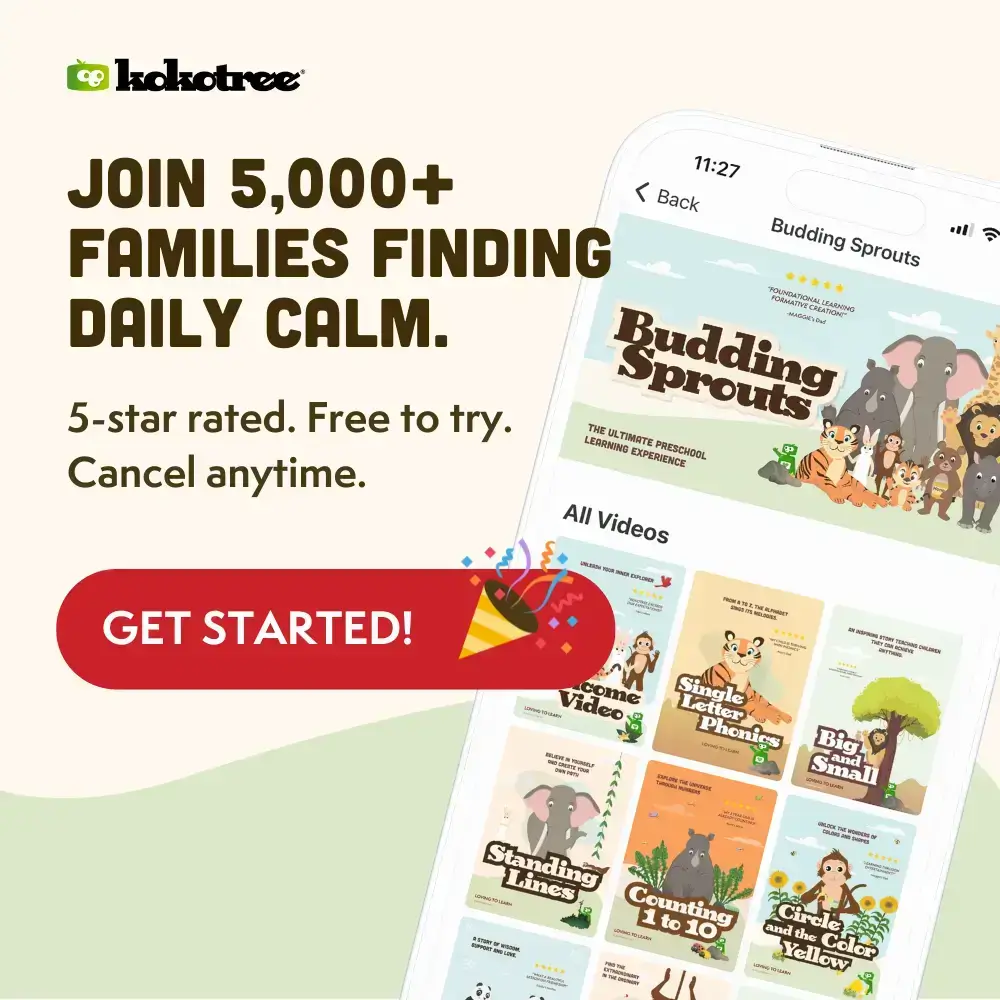
Start Your Free 7-Day Trial — No Credit Card Required → Join 5,000+ families who have found a calmer, smarter way to learn.