Preschool App for iPhone: Learning That Fits in Your Pocket
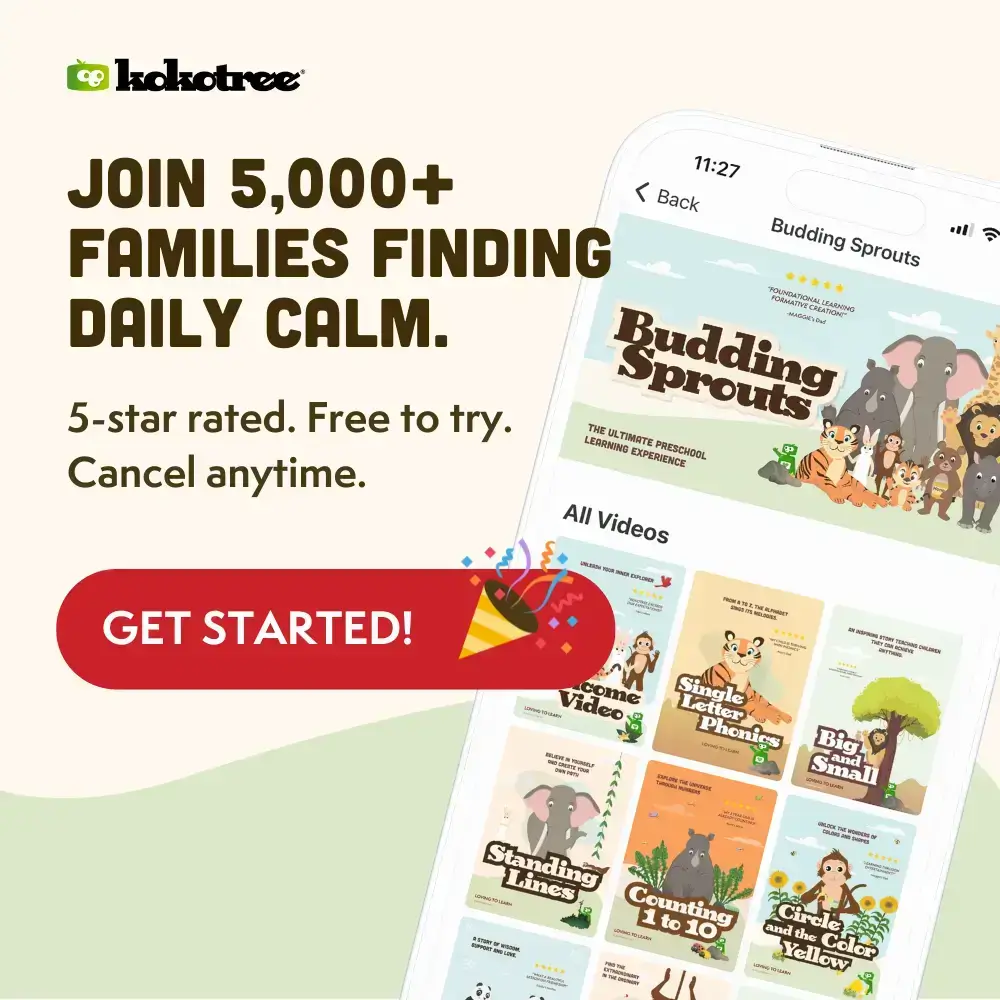
Your iPhone is always with you—and now real learning is too. The Kokotree preschool app delivers the same 500+ activities, structured learning paths, and ad-free experience as larger devices, fully optimized for your phone. When you need an educational app for those unexpected moments—the forgotten tablet, the endless wait, the emergency backup—Kokotree delivers real learning that fits in your pocket.
Why “I’ll Just Use YouTube” Fails in Those Critical Moments—And What Actually Works
You’re in the pediatrician’s waiting room. It’s running 30 minutes behind. Your child is losing patience. You reach for your phone to find something—anything—to buy five more minutes. You open YouTube. An ad plays. Then weird content. Then your child accidentally taps something. Now you’re more stressed, not less.
The Moments That Break You
Every parent knows these situations:
- The waiting room running late: Doctor’s office, DMV, anywhere with “please wait.”
- The restaurant before food arrives: Fifteen minutes feels like an hour to a preschooler.
- The grocery checkout: You need five more minutes and they’re melting down.
- The car when the tablet died: No backup plan, desperate parent.
YouTube Isn’t the Answer
In these moments, you need something reliable. YouTube gives you:
- Ads interrupting immediately.
- Algorithm serving random content.
- Links your child accidentally clicks.
- More stress, not less.
Kokotree: Your Emergency Learning Tool
With Kokotree on your iPhone, those same moments become learning opportunities:
- No ads, ever: Open and play instantly.
- Offline downloads: Works without WiFi or cell signal.
- Closed ecosystem: Nothing unexpected happens.
- Real education: Phonics, math, science—not random entertainment.
What This Means for You
Same moments. Different outcomes. Your child learns their letters instead of watching garbage. You get the break you desperately need without the guilt or anxiety.
What Makes Kokotree the Best Preschool App for iPhone
Despite the smaller screen, Kokotree on iPhone provides the complete educational experience—not a stripped-down “phone version.”
Complete Content Library
- All 500+ activities: Every video across the full curriculum.
- Full learning paths: From toddlers (ages 1–3) through kindergarten prep (ages 5–6).
- Structured progression: Not random videos—skills build on each other.
Truly Works Offline
- Download over WiFi: Content stored on your phone.
- Works anywhere: Airplane mode, no cell service, basement waiting rooms.
- Always ready: The preschool app for iPhone that doesn’t need internet.
Seamless Device Syncing
- Start on iPhone: Continue on iPad or Apple TV.
- Progress follows your child: Every device knows what they’ve learned.
- Badge collection syncs: Their achievements travel with them.
Phone-Optimized Interface
- Appropriate touch targets: Sized for small fingers on small screens.
- Navigation that works: Designed for how phones are actually used with children.
- 100% ad-free: No commercials, no interruptions, no accidental purchases.
Preschool App for iPhone vs. YouTube on Your Phone: What’s Actually Different?
| Factor | Kokotree | YouTube |
|---|---|---|
| Ads | Zero. Never. | Constant. Often inappropriate. |
| Content Quality | Educator-designed. Curriculum-aligned. | Variable. Algorithm-driven. |
| Offline Mode | Download and watch anywhere. | Requires internet. |
| External Links | None. Closed ecosystem. | Can lead anywhere. |
| Progress Tracking | Syncs across all devices. | None. |
| Parent Stress Level | “I’ve got this.” | “What did they just click?” |
When iPhone Is the Perfect Choice for Learning
Different devices serve different purposes. Your iPhone excels in specific situations:
Emergency Backup
The tablet battery died. You forgot to bring it. Your partner has it. Your phone saves the day with educational content always available.
Quick Moments in Public
Waiting rooms, checkout lines, quick errands—5–10 minute situations don’t require your best device. Your phone fits perfectly.
Travel Transitions
The car ride to the airport. The wait at the gate. The hotel room before bed. In-between moments are natural iPhone opportunities.
One-on-One Bonding
When it’s just you and your child, watching something together on your phone feels intimate. There’s a coziness to phone viewing that larger screens don’t provide.
For extended daily learning, tablets provide a better experience. But for real-life moments when you need something right now, the preschool app for iPhone is a parenting secret weapon.
Practical Tips for iPhone Learning That Actually Works
Download Content in Advance
Don’t count on WiFi or cell signal when you need Kokotree most. Keep favorite videos downloaded at all times for true offline access.
Use Landscape Mode
Videos display larger in landscape orientation, making content easier for small eyes to see.
Consider a Phone Grip or Stand
Holding a phone for 15 minutes is tiring for little hands. A pop-socket or folding stand improves the experience.
Headphones Help
Phone speakers work, but headphones provide clearer audio and don’t disturb others in waiting rooms.
Old iPhones Work Great
Keep old iPhones as dedicated kid devices. Kokotree works on phones running iOS 15 or later—most phones from 2017 onward.
What Parents Say About Kokotree on iPhone
“The iPhone version saved us at the pediatrician’s office. Unexpected 45-minute wait, no tablet, but I had Kokotree on my phone. She watched phonics videos and the time flew by.” — Mom of a 3-year-old
“I keep videos downloaded for emergencies. ‘Do you want to watch Koko?’ has ended more public meltdowns than I can count.” — Dad of a 2-year-old
“Progress syncing across devices is genius. She watched on my phone at the grocery store, and her iPad showed the same progress when we got home.” — Mom of a 3-year-old
Frequently Asked Questions About iPhone Learning Apps
Is the iPhone screen too small for preschool learning?
For extended sessions, larger screens are better—that’s why tablets are ideal for daily learning. But for short sessions (5–15 minutes), iPhones work well. Use the preschool app for iPhone strategically—backup, emergencies, quick moments.
Does Kokotree drain iPhone battery quickly?
A typical 15-minute session uses about 5–10% battery depending on your model. Downloaded content uses less battery than streaming.
Does offline download work on iPhone?
Yes—exactly as it works on tablets. Download over WiFi, and content is available anywhere without internet.
Will Kokotree work on my older iPhone?
Kokotree requires iOS 15 or later. Most iPhones from 2017 (iPhone 8 and later) support iOS 15.
Is the content the same as the iPad app?
Identical. Same 500+ activities, same curriculum, same learning paths. Only difference is screen size and navigation optimized for phone.
Learning That’s Always With You
The best educational content doesn’t help if it’s not available when you need it. Kokotree on iPhone ensures that wherever you go, whatever happens, real learning is in your pocket. Same moments. Better outcomes.
Download Kokotree for iPhone → Join 5,000+ families who have found a calmer, smarter way to learn.